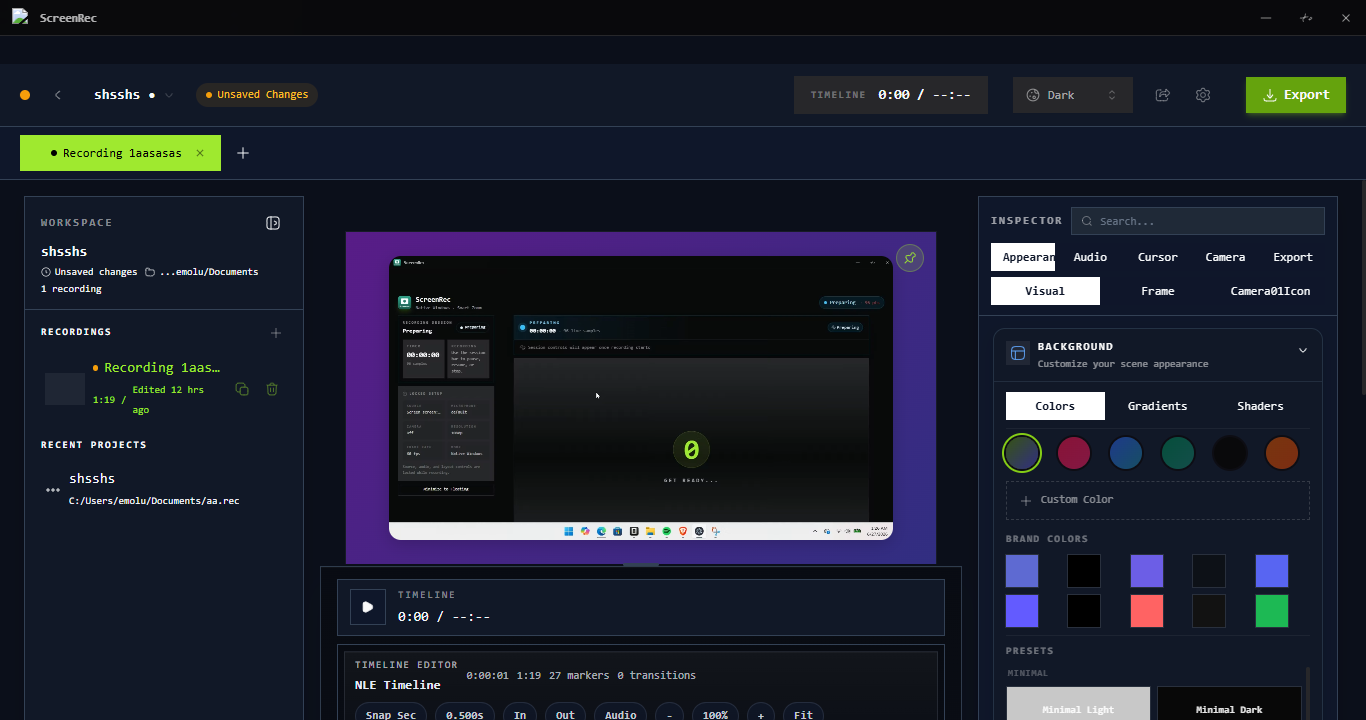
EDITOR
Timeline editor
Trim, layer, and polish — no After Effects required.
Capture your screen, add auto-zooms and smooth cursor motion, and share polished videos in seconds — without an editor.
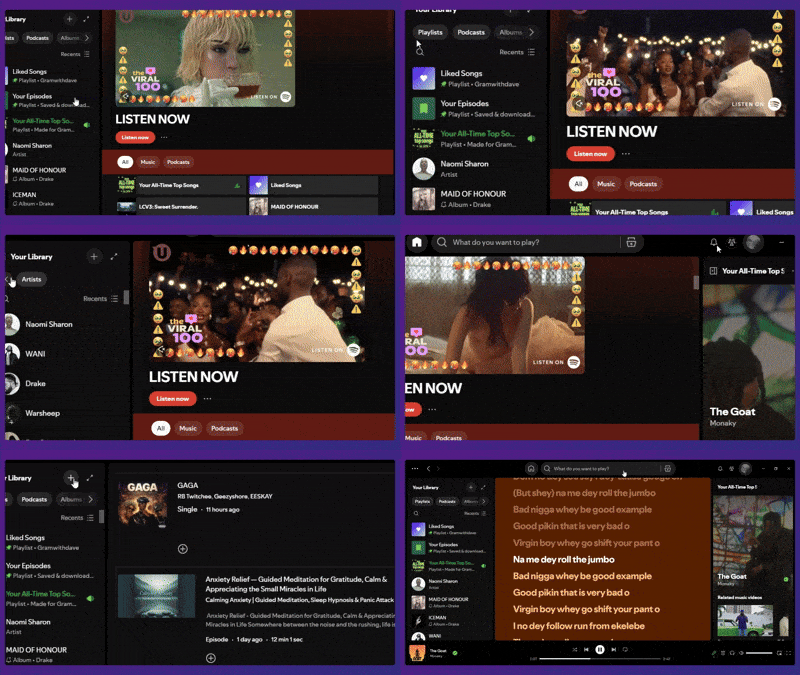
Trusted by makers, educators & teams shipping in public
We help creators record once, skip the editing, auto-zoom into clicks, and ship polished videos in minutes — start free, upgrade once.
What's inside
Click anywhere and Screenrec snaps a buttery zoom to the action. No keyframes. No timeline wrestling.
Click anywhere and Screenrec snaps a buttery zoom to the action. No keyframes. No timeline wrestling.
Smooth out shaky cursor movement, change the size, color, and add a soft highlight halo.
Smooth out shaky cursor movement, change the size, color, and add a soft highlight halo.
Cut silences, ums, and dead air automatically. Speak naturally, ship a tight final cut.
Cut silences, ums, and dead air automatically. Speak naturally, ship a tight final cut.
Capture your voice and app audio in separate tracks. Mix and balance after recording.
Capture your voice and app audio in separate tracks. Mix and balance after recording.
A look inside
Real screenshots of the recorder, editor, auto-zoom, and export pipeline.
Trim, layer, and polish — no After Effects required.
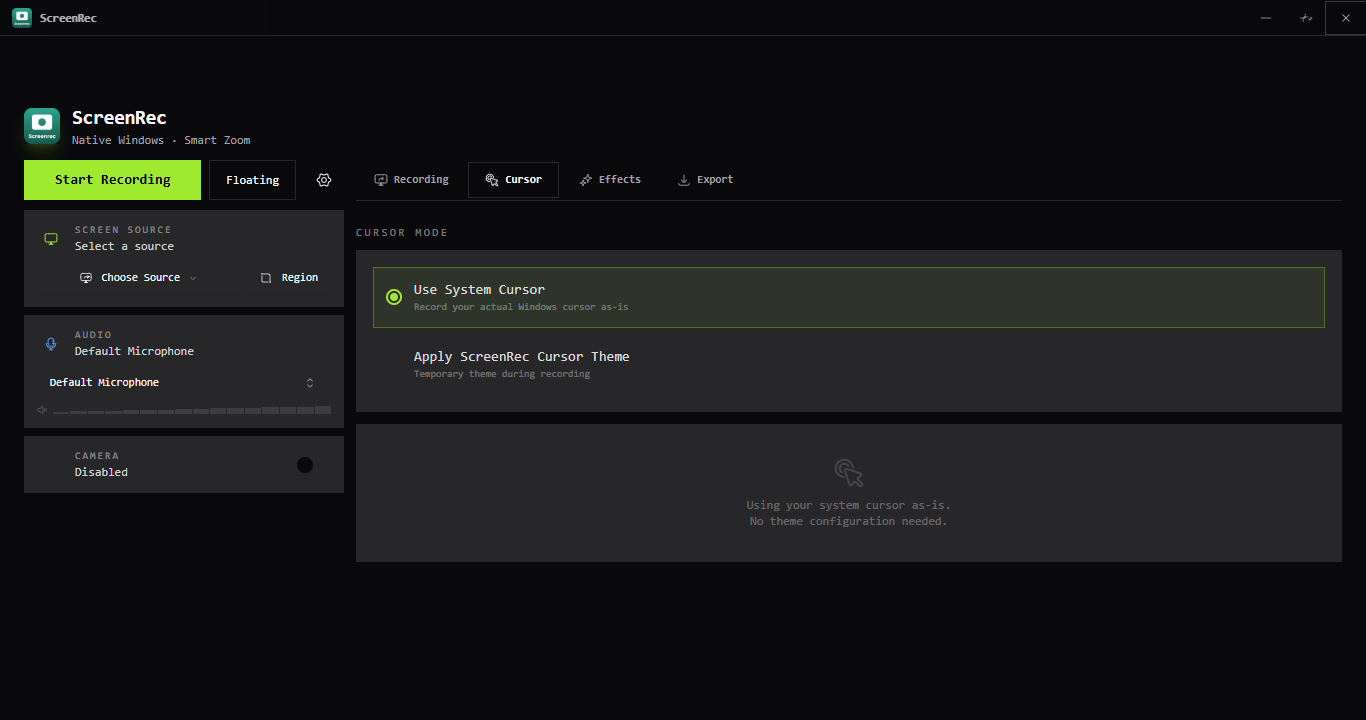
A tiny widget that stays out of your way.
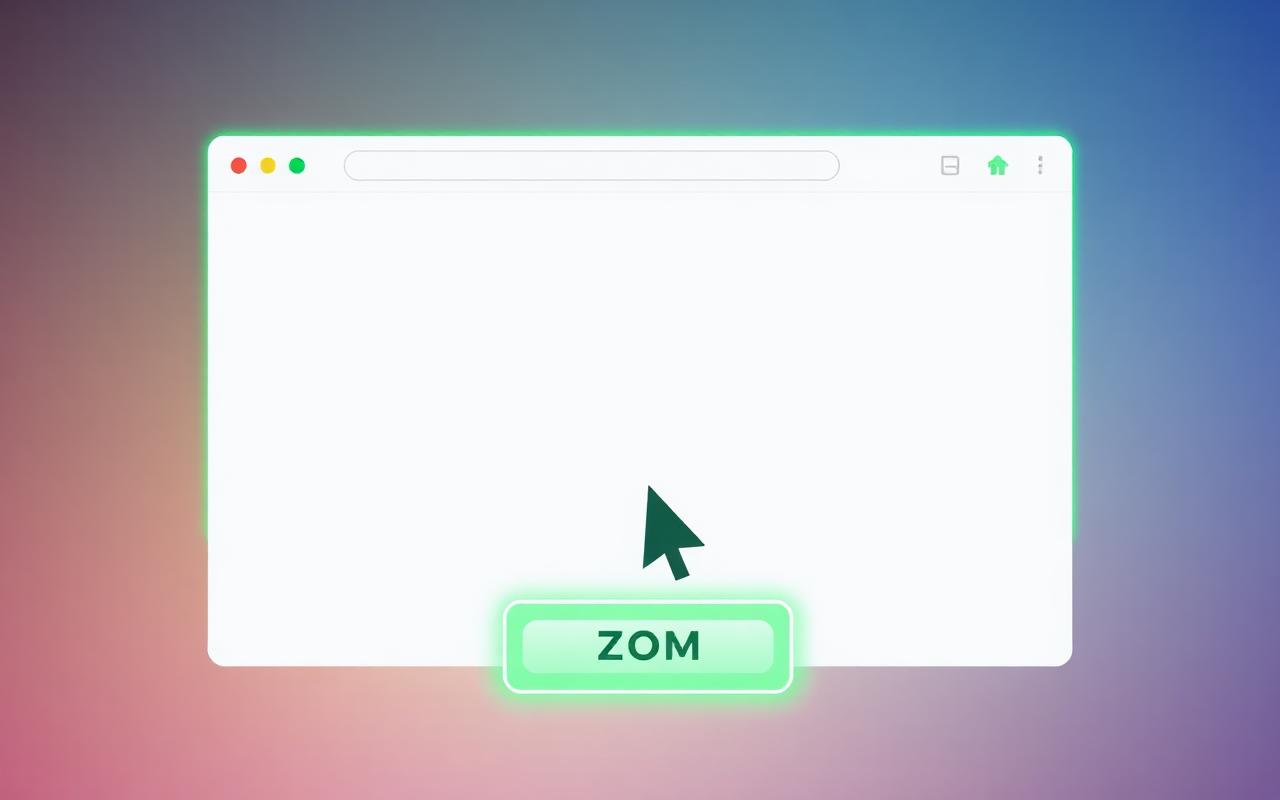
Snap-to-click zoom with a buttery cursor halo.
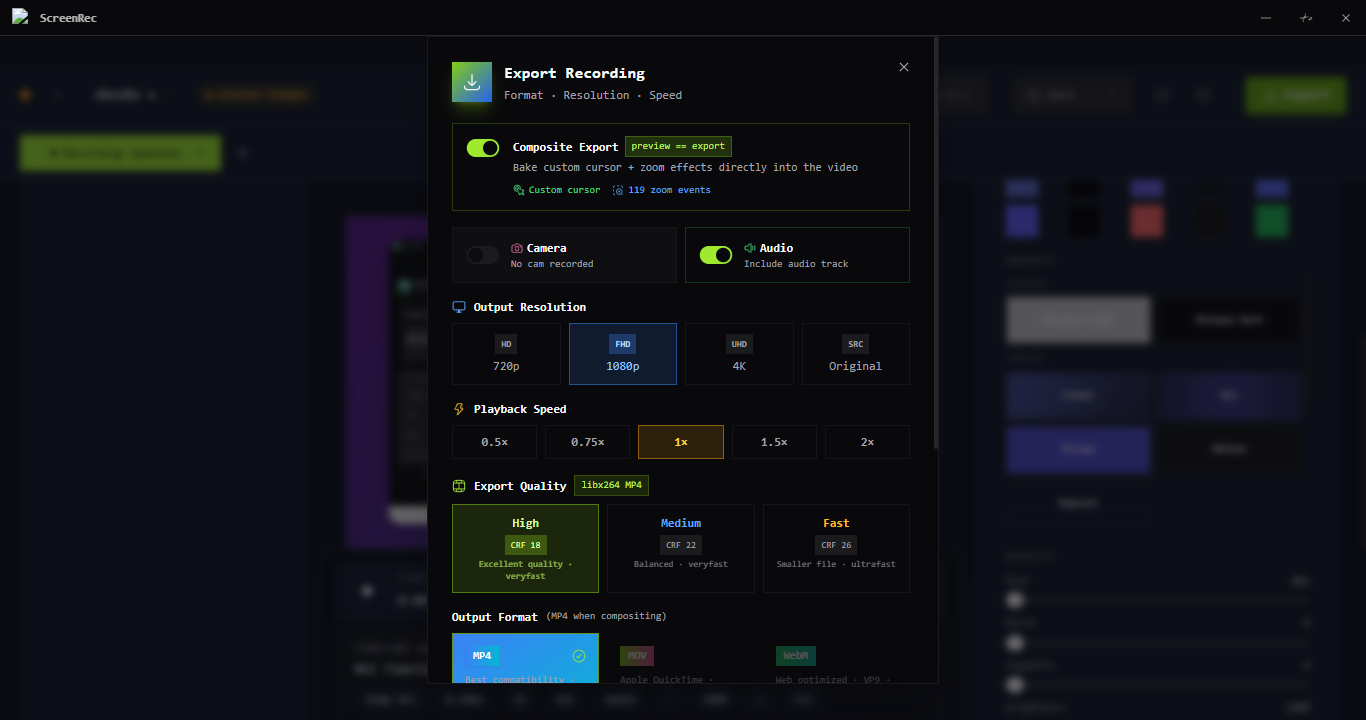
4K MP4, GIF, WebM — share in a click.
Real workflows from real users — recorded, edited and shared with Screenrec.
tutorial A 90-second product walkthrough that converted 4x better than a written doc.
MAKER LOG
bug report Replaced 12 back-and-forth Slack messages with a single 30-second clip.
DEV TEAM
onboarding New hires ramped 38% faster with async, narrated screen tours.
PEOPLE OPS
education Polished, watermark-free recordings for a 12-week coding bootcamp.
CODE SCHOOL
Pricing
Start free and upgrade when you need the pro polish. No subscriptions, no seats, no renewal emails.
The essentials, free forever. Great for quick shares and casual capture.
Every feature, forever. Lifetime updates. One payment, no surprises.
30-day money-back guarantee · Windows 11 & macOS 12+ · One license, all your devices
Download Screenrec free and try it out. Upgrade to Pro any time — one payment, yours forever.
Get it for your machine
macOS 12+ · Windows 11 · No subscription, ever